


Described, tagged, and ready to find. Pro
Tuck writes a description, suggests tags and keywords, pulls out the colors, and reads the text inside images. It uses the models built into macOS, so there is nothing to download and no API keys.
A private library for images, videos, audio, PDFs, documents, books, links, colors, and notes, automatically understood and searchable. Entirely on your Mac.
Free to start · macOS 15.6 or later
Chrome and Safari extension ·  MCP for AI agents
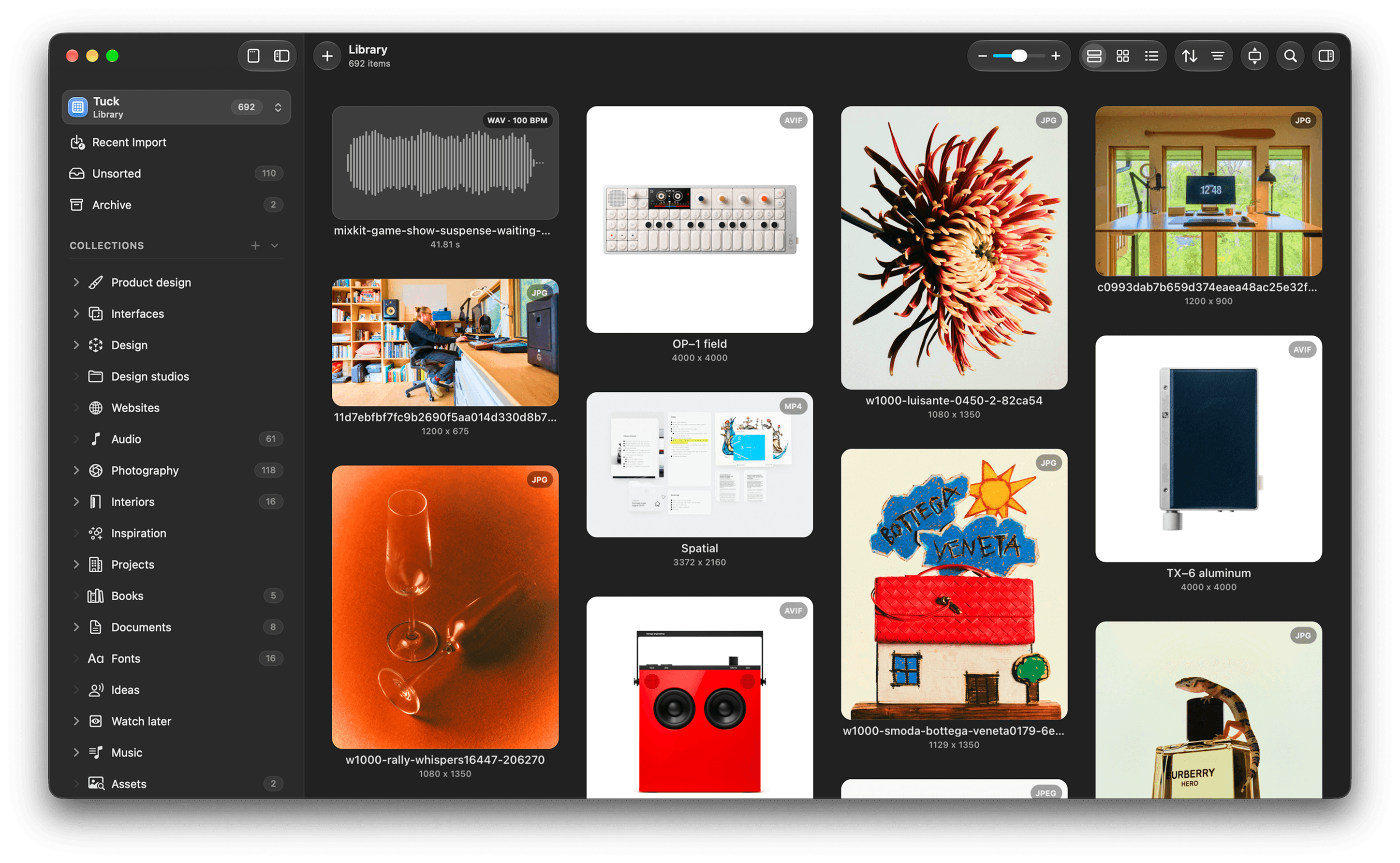
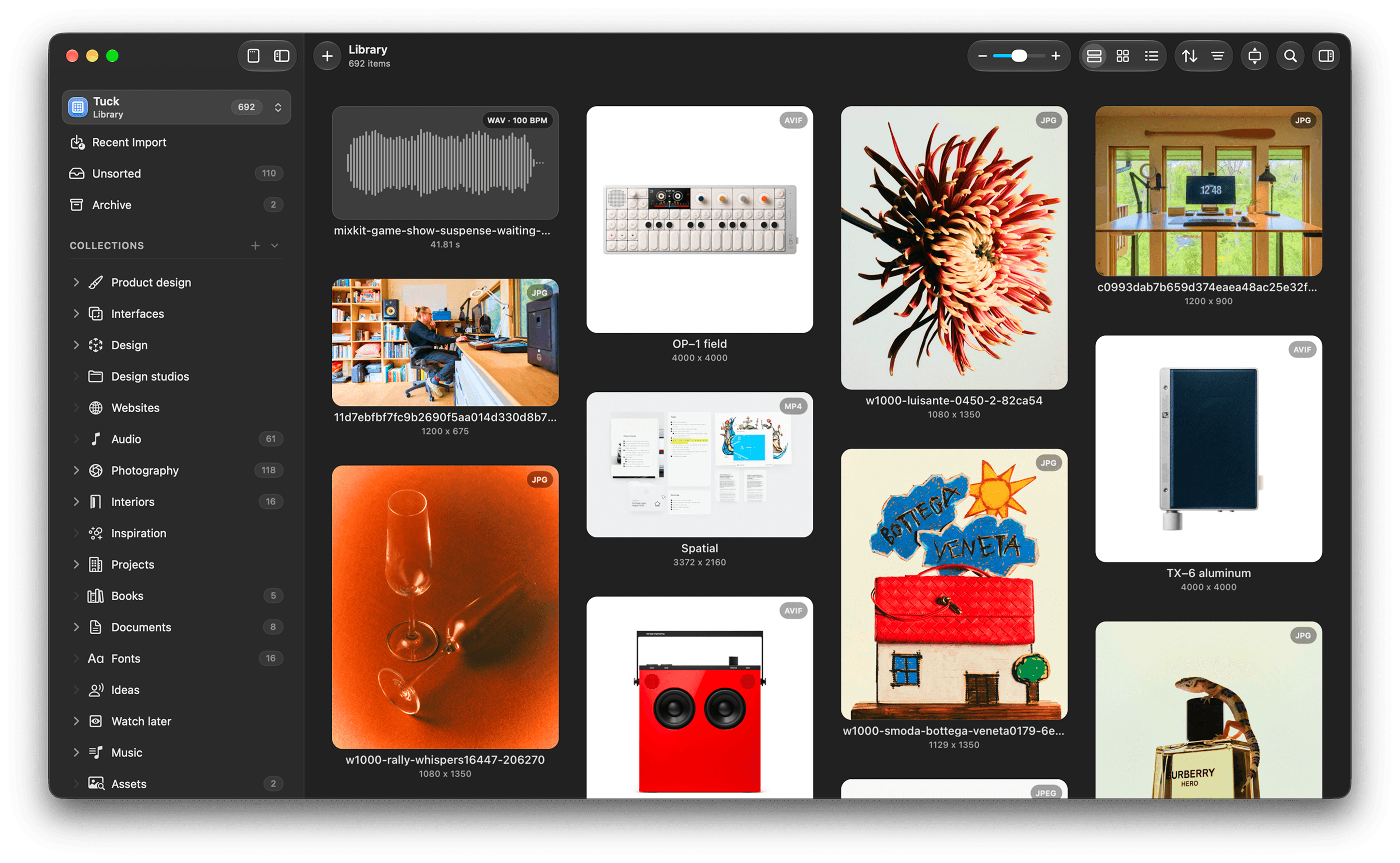
Library All your item types together in one place, with visual similarity, fast search, and a structure of collections and tags.

No sign-up, and no analytics. Just open app and start saving.

Your library lives on your disk. Full quality, untouched, fully offline.

Native and fast, keyboard-first, down to the menu bar.
Drop it, paste it, capture it, or let Tuck pick it up on its own.
Anything on the clipboard with ⌘V images, video, links, colors, or notes.
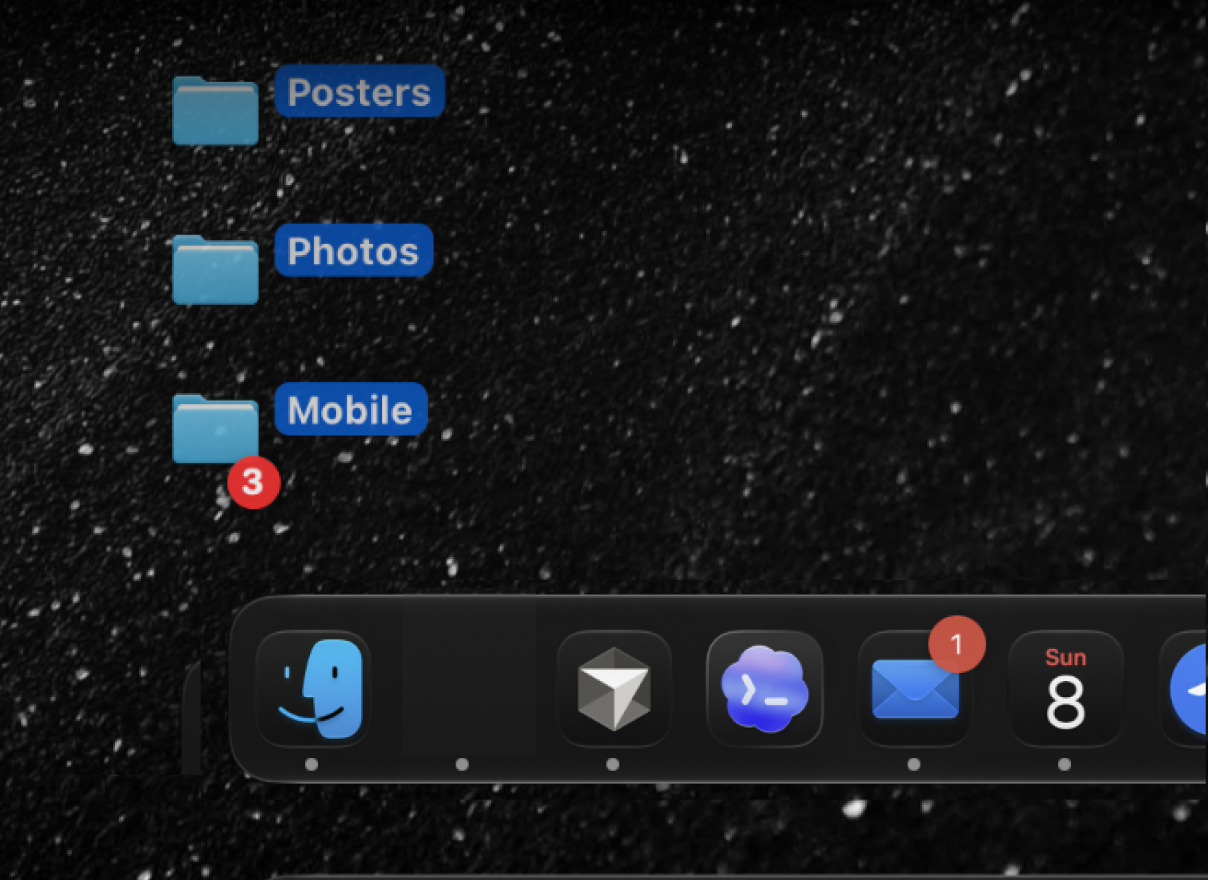
Onto the window, the Dock icon, or the menu bar.
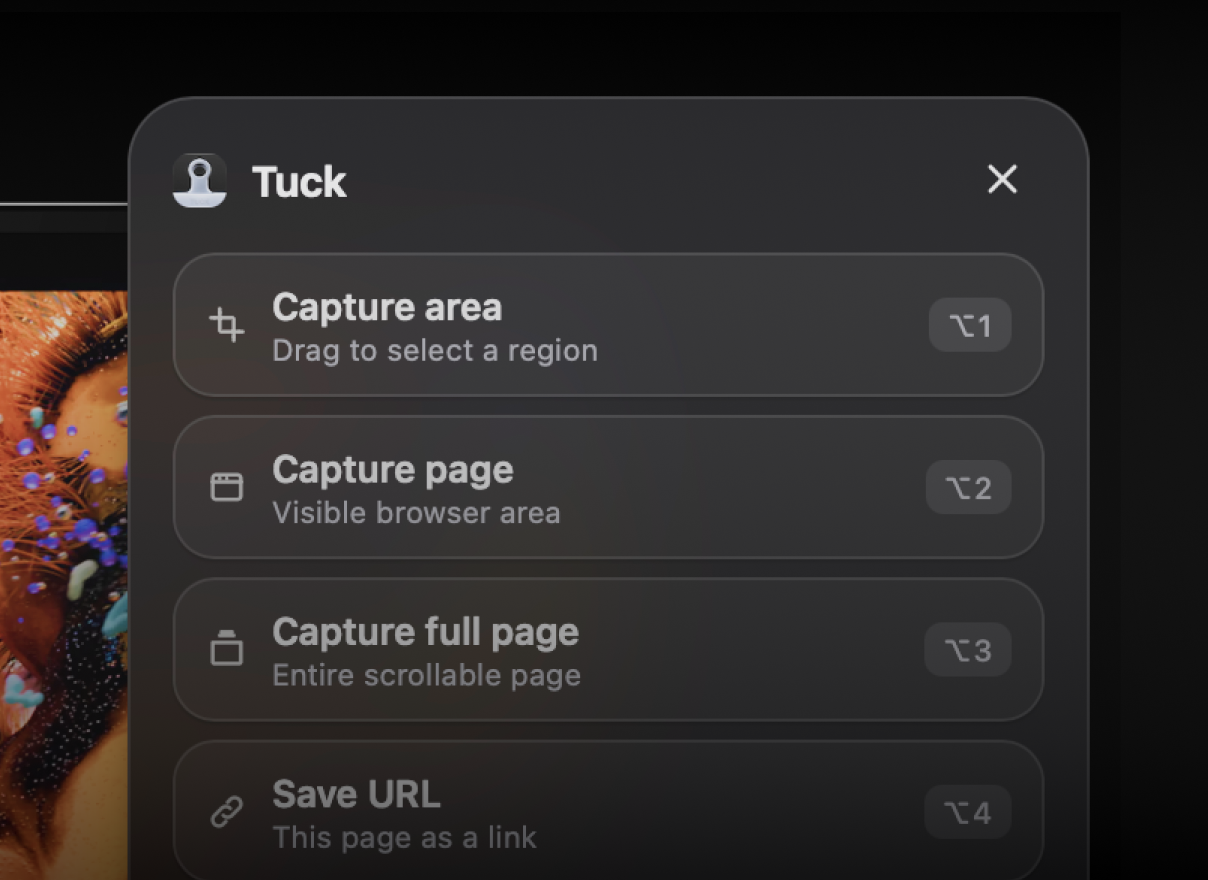
Save images, videos, links, and entire pages from Chrome and Safari. Just Option-click to add them to Tuck.
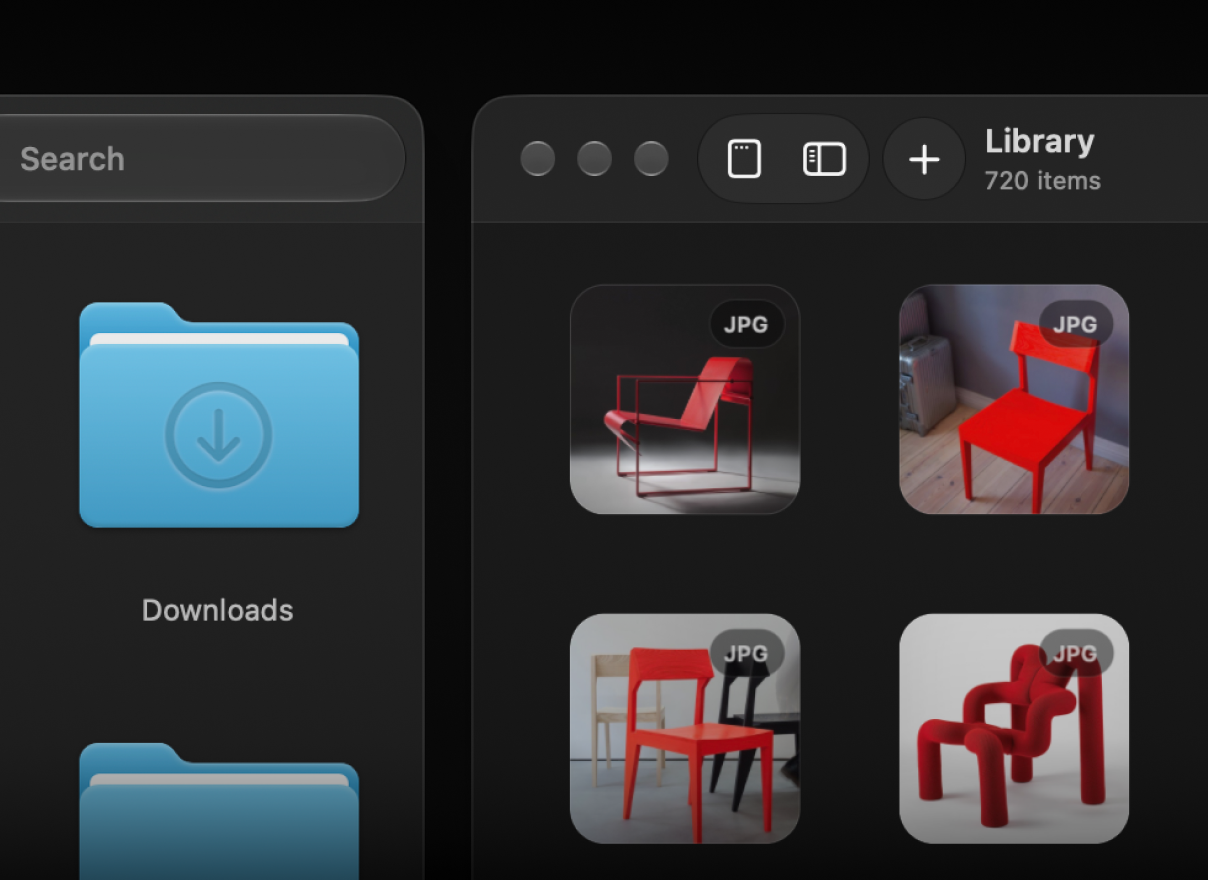
Point Tuck at Downloads, Desktop, or any folder. New files are imported automatically.
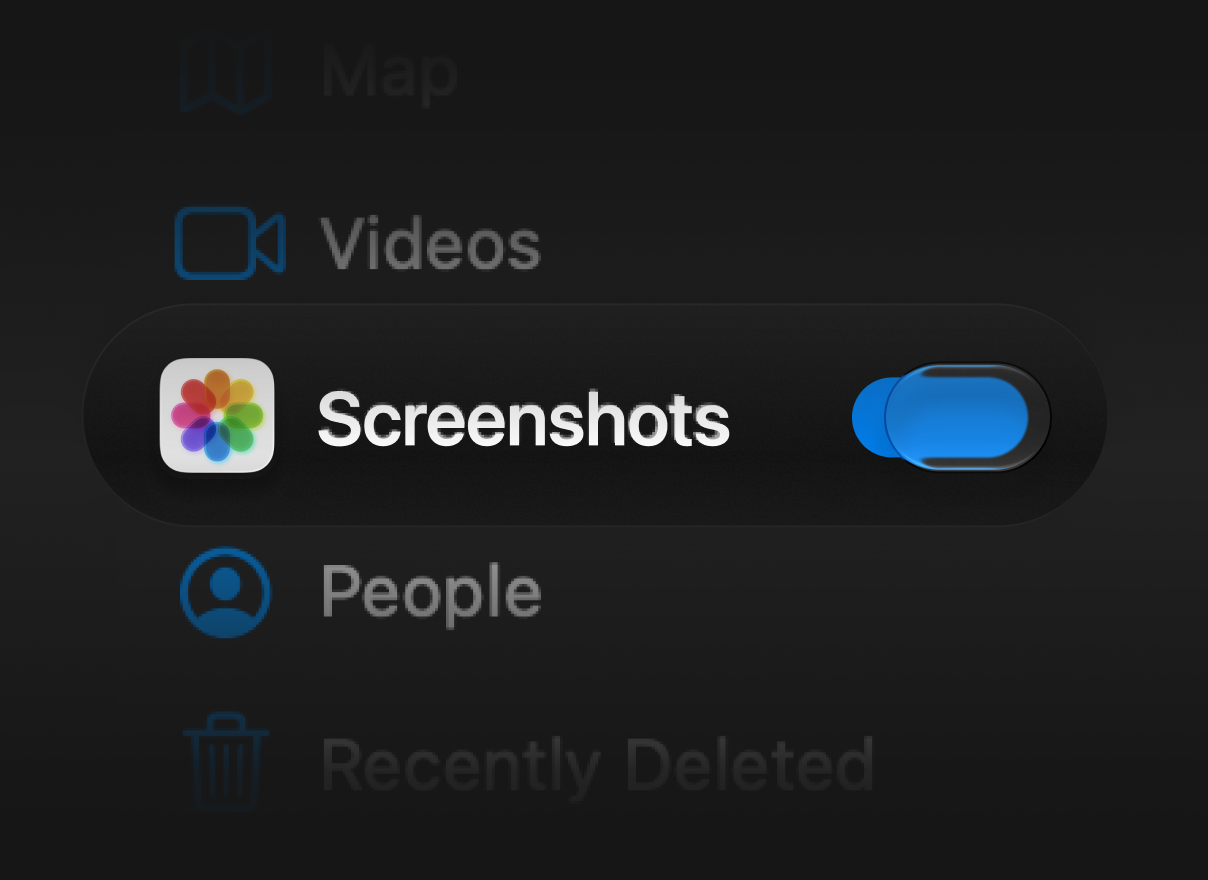
Bring your favorite albums into Tuck, with full-quality originals and new photos added automatically.
Screenshots and screen recordings with a global shortcut.
On-device intelligence reads every item the moment it lands. Nothing leaves your Mac.
Tuck writes a description, suggests tags and keywords, pulls out the colors, and reads the text inside images. It uses the models built into macOS, so there is nothing to download and no API keys.
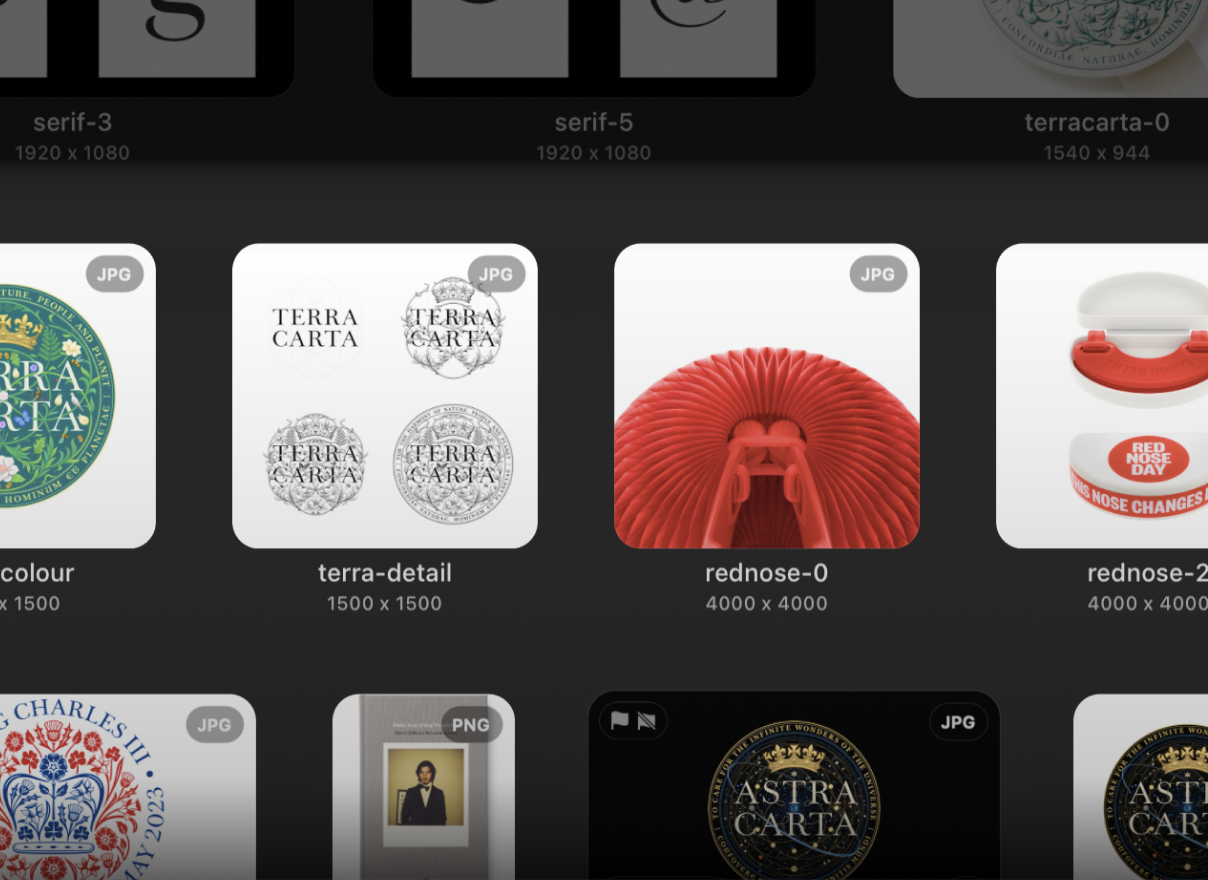
Describe what you remember. Or search by color, by the words inside an image, or find anything that looks similar.
Collections, tags, ratings, and flags. Smart Folders file new items by rules you set, or by a sentence you type.
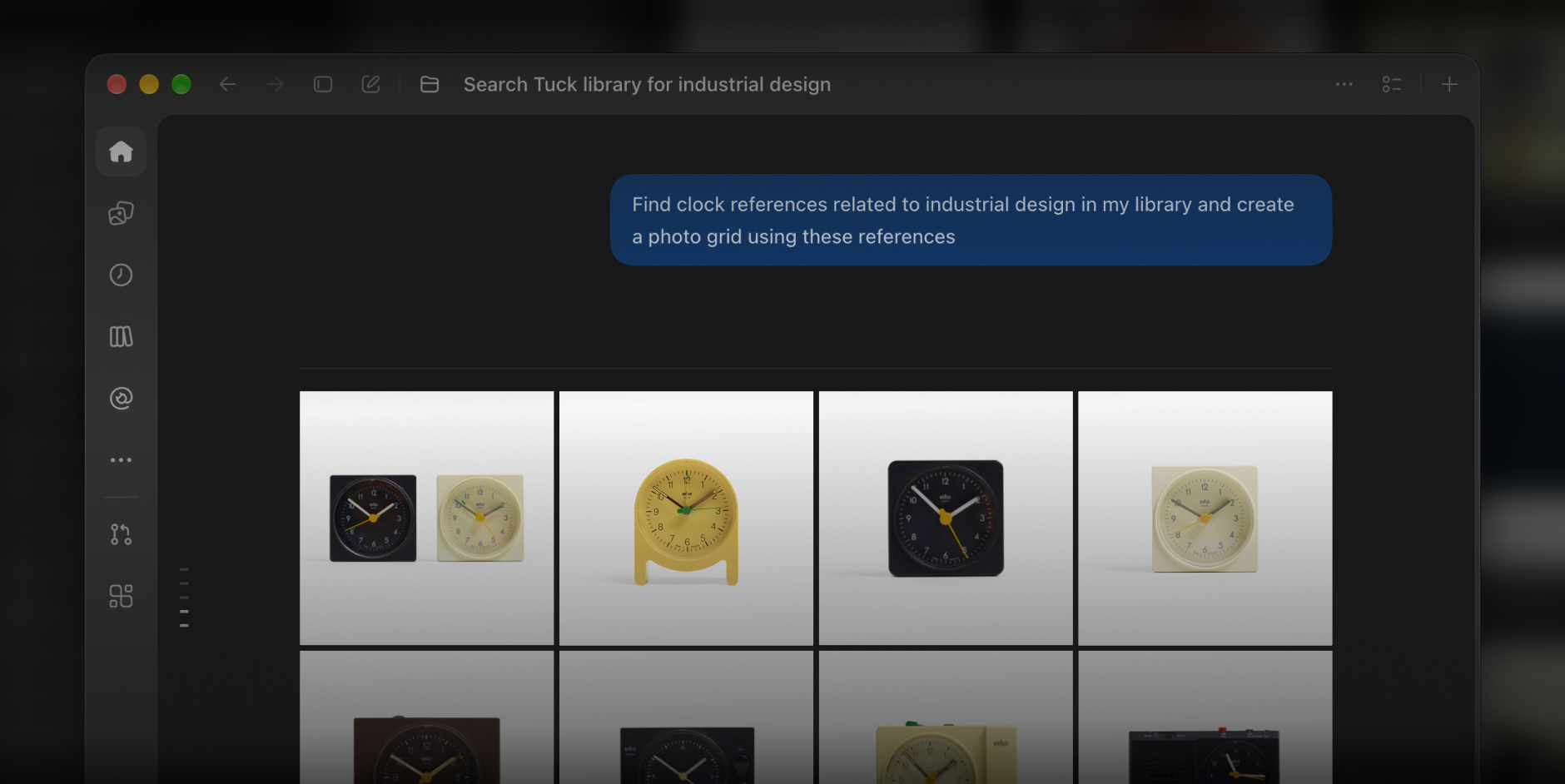
Access your library from anywhere with quick search, a compact shelf, or AI agents through a private MCP server.
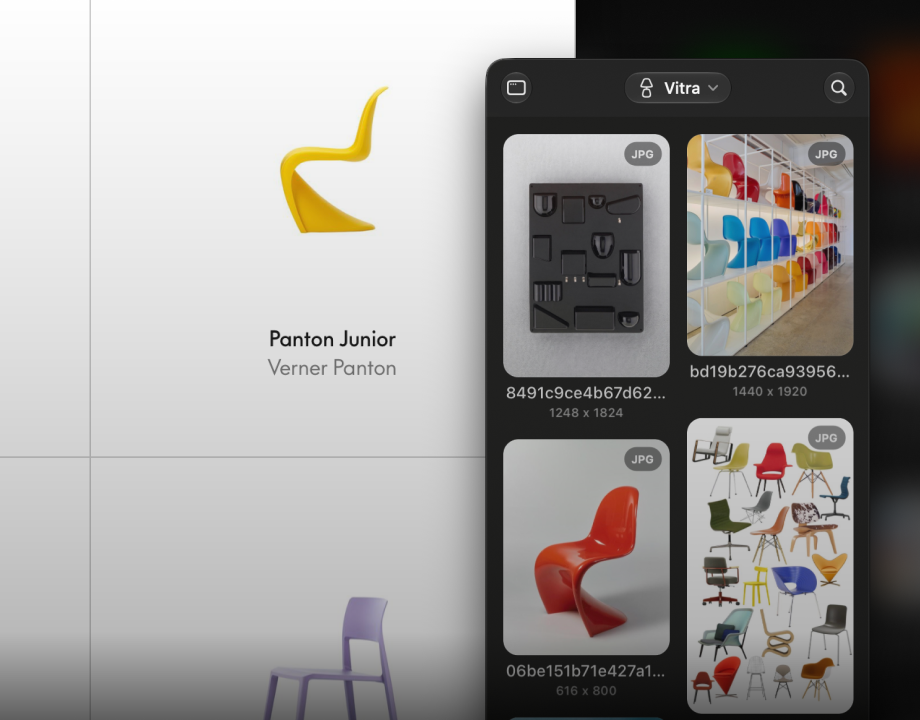
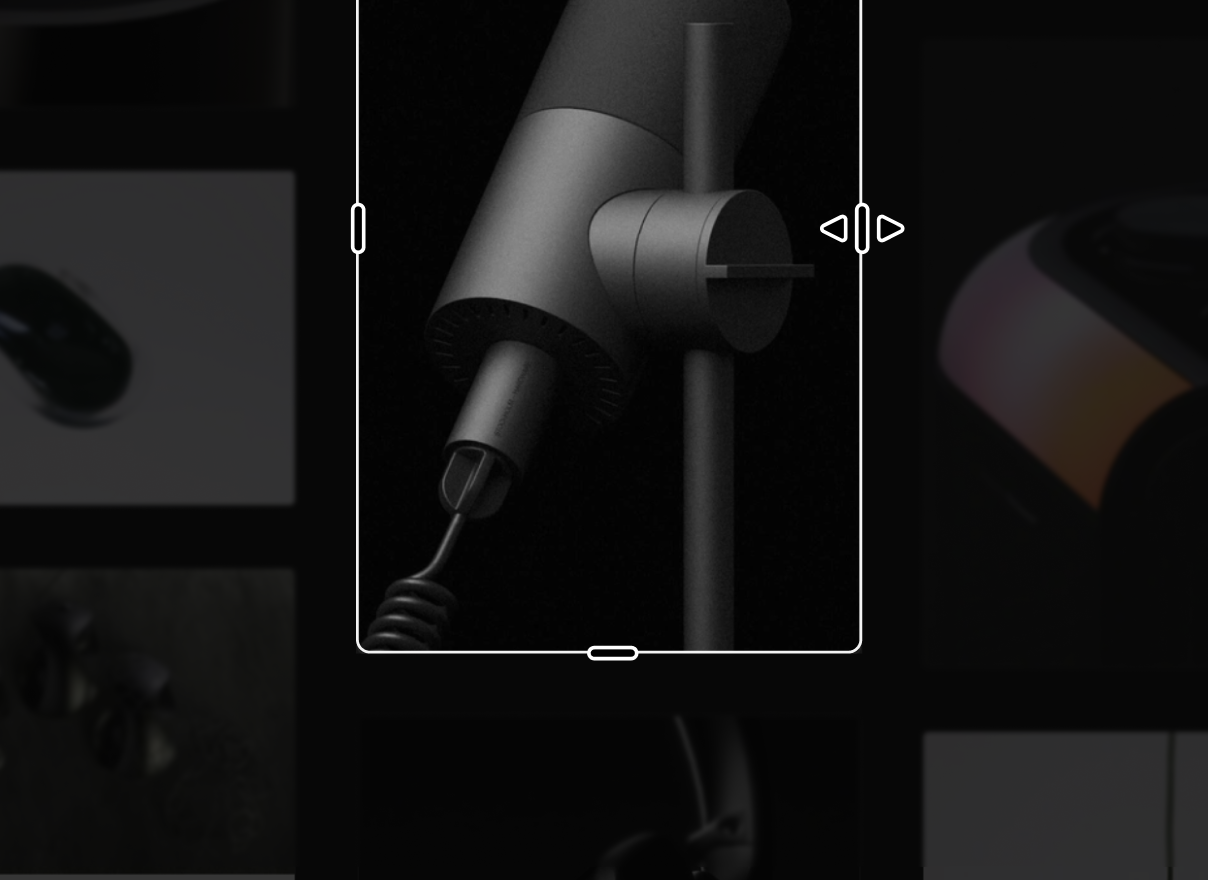
A little shelf at the edge of your screen. Drop images on it, find them in seconds, and jump to the full app in one click.
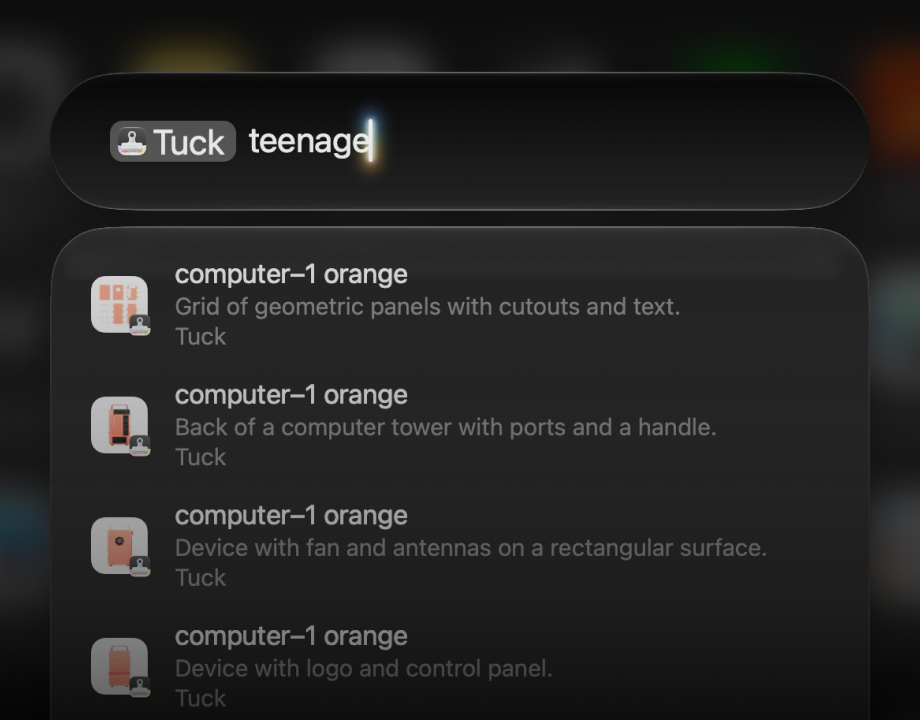
Find any image from Spotlight by title, tags, or text inside it. Results open right in Tuck.
AI agents. ProTuck runs a private, read-only MCP server on your Mac. Claude, Codex, Gemini, Grok, and other agents can search your library and look at references, with an access key you control.
Images (including RAW, HEIC, AVIF, SVG, and GIF), video, audio (MP3, WAV, FLAC, AAC), PDFs, Office documents (Word, Excel, PowerPoint) and iWork documents (Pages, Numbers, Keynote), design files like PSD and Sketch, EPUB and FB2 books, fonts (OTF, TTF, WOFF), links, colors, and Markdown notes.
No. Tuck has no accounts, no sign-in, and no analytics. You download it and start saving.
In a Tuck library package in a folder you choose (Pictures or Documents by default). Your originals are copied into it, and you can keep several libraries.
No. Tuck uses the models already built into macOS, including the on-device Apple Intelligence model on macOS 26 when it is turned on. Nothing to download, no API keys, and your files never leave your Mac.
Yes. Saving, organizing, searching, and intelligence all work without a connection. Tuck only goes online to fetch a link preview or download media you asked it to save.
Tuck has no sync service of its own. Your library is a regular package on disk, so you decide where it lives and how it is backed up.
Not yet. Tuck is a Mac app and needs macOS 15.6 or later.
Free gives you one library with the first 500 items. Tuck Pro is a one-time $19.99 purchase that unlocks unlimited libraries and items, Intelligence, Smart Folders, Mac Spotlight, and AI agents.